Bulk Email Address Finder: When & How to Scale Lead Capture
🧩 Table of Contents
If you’ve ever tried to build a huge B2B email list by hand, you know it straight-up sucks. Hunting for decent leads, copying addresses, praying they’re not dead or bouncing… yeah, no thanks. There’s a reason bulk email address finders are blowing up right now. They’re the secret weapon if you want more leads, more replies, and less crying over spreadsheets at midnight.
What is a bulk email address finder?
OK, picture this. You have a massive list of names and company names from, I dunno, LinkedIn, some industry event, or maybe you scraped a directory. But most of those lists don’t come with verified email addresses. A bulk email address finder is a tool (usually online software) that takes that raw list and—fast—finds real, working business emails. Not one by one, but hundreds or thousands in minutes. That’s the difference between a week spent digging and a campaign launched today.
I remember the first time I used one—uploaded a CSV from some SaaS summit, closed the tab for coffee, came back to 280 new, verified emails. Felt like hacking, except legal and way less stressful. If you’re in B2B, lead gen, or even just looking to automate your outreach, you need a bulk email finder. These tools tap massive databases, smart algorithms, and total automation to convert vague prospect lists into targeted, deliverable emails—fast.
The tech behind bulk email finders
How does all this work? Some real nerdy wizardry, honestly.
- Pattern recognitionThese tools look at how companies format their emails ([email protected], initials, whatever). If they know the pattern, they can guess new addresses with freakishly high accuracy—especially in bulk.
- Massive B2B databasesMain players—SocLeads, Apollo, Hunter, Snov.io—have databases with 100M+ contacts, scraped from public web data, directories, and even community contributions. That’s more contacts than you’ll find in a lifetime of manual prospecting.
- SMTP and syntax checksBefore giving you an address, top-tier email finders ping the mail server (“Hi, is this address real?”). They also check if it’s formatted right so you don’t just get a pile of junk.
- Verification vs guessworkThe best tools don’t just guess. If they say it’s “valid” you can bet real money it won’t bounce. Some tools label results as “risky”—up to you whether you want to roll the dice.
Story time: My friend Jaime was scraping sales leads for an indie SaaS project. He’d gotten used to bouncing 40%-plus of every cold email campaign. After switching to a real bulk verifier, his bounce rate dropped so low—even Google stayed happy. Night and day.
When to use bulk email finders
So when do you actually whip out these tools? Here’s some real talk:
- Cold email at scale: About to send hundreds/thousands of cold emails? No way you’re finding that many manually unless you wanna lose your mind.
- Events, summits, & webinars: Get a list of attendee names/companies but no emails. Bulk finder has you covered in a few clicks.
- Hyper-targeted B2B: ABM teams. If you need to hit specific companies and roles (not just a spray-and-pray), you’ll move way faster this way.
- Sales research: Let’s say you spot a competitor’s customer list, industry directory, or LinkedIn group—just upload what you’ve got, find real emails, and you’re ready to go.
Pro tip: A lot of the quickest wins come from using good input lists (conference signups, LinkedIn exports, recent event directories). If you’re starting with garbage, you’ll get garbage out—like every other part of marketing.
Speed vs manual grind
If you’re in sales/lead gen, here’s the cold truth: the top-performing pros always have better automation. One person with a bulk email finder beats three interns hand-scraping emails off the internet every time. You get there faster, your lists are fresher, you avoid embarrassing misfires (like sending to a dead address or “info@” account that never gets checked), and honestly… you save your sanity.
Scaling lead capture
Ready to move beyond a handful of leads? Let’s talk scaling.
Scaling lead capture means you’re not just dipping your toes in cold outreach—you’re building a pipeline. Suddenly, the stakes are higher, and the details actually matter. You want volume and quality, you want sharp segments, and most importantly, you want systems that just work, week in and week out.
- Step 1: Prep a clean listIf your input is all over the place (weird formatting, typos, missing company info)… slow down and fix it. Clean lists = better output, lower costs (because most tools charge for every prospect checked), fewer angry replies.
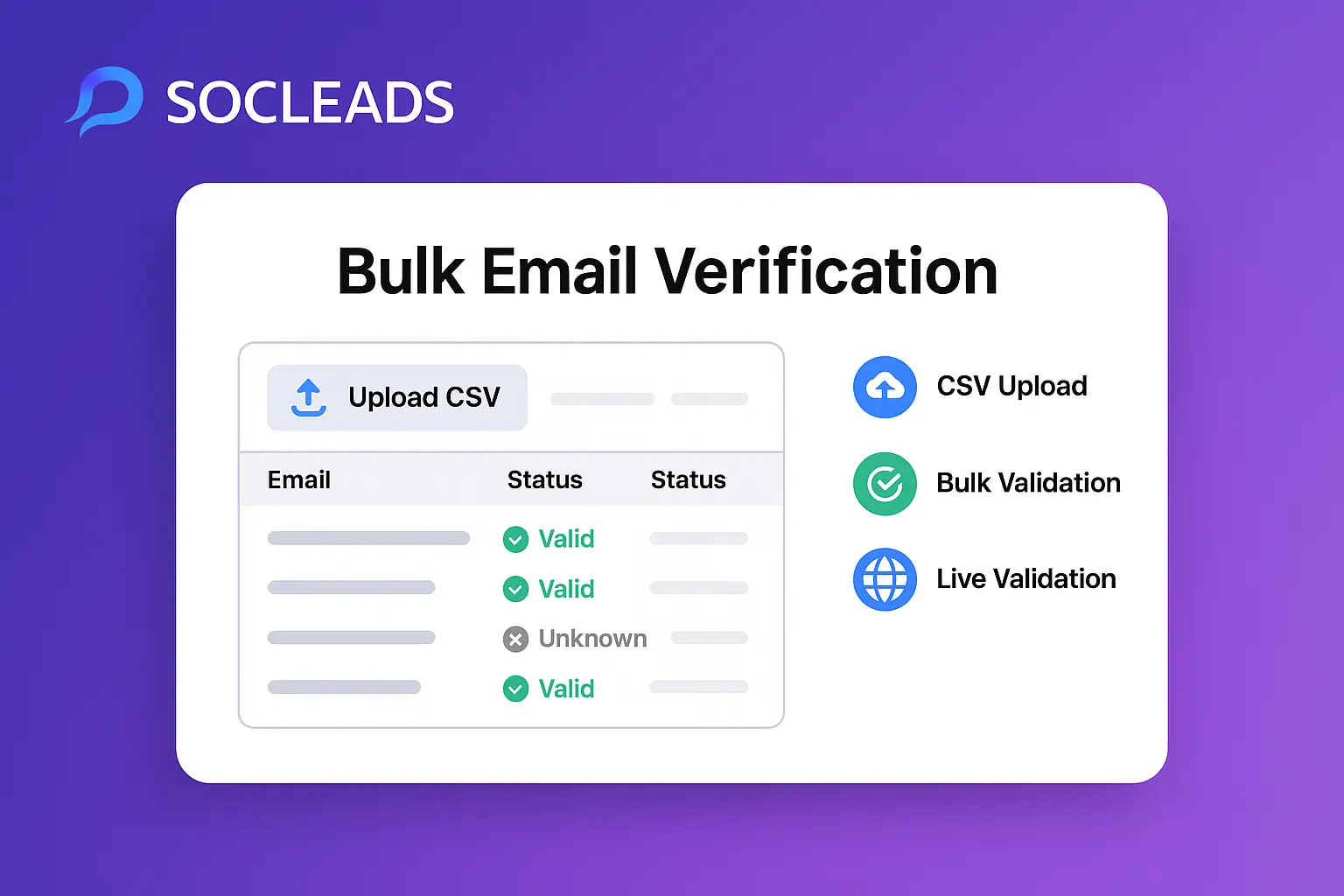
- Step 2: Upload and verifyDrop your spreadsheet, map columns, click go. This takes minutes. You’ll get a dashboard showing which addresses are “valid”, “risky”, or “unknown”. Double check—no reason to send to the sketchy ones unless you’re feeling wild.
- Step 3: Push to your CRM or cold email toolDon’t treat this like some one-off chore. Set up an integration (API, Zapier, built-in CRM syncs, you name it). Your pipeline becomes a living thing, not a series of manual steps.
- Step 4: Track everythingWhat segment got the most valid emails? Which source had the lowest bounce? Who actually replied? If you’re not tracking, you’re stumbling in the dark.
“When our sales ops team started batching prospecting through SocLeads and syncing it with our CRM in real-time, suddenly our reps spent 80% less time hunting and 3x more time actually selling. No way we’d go back.”
— Senior SDR @ SaaS unicorn
Choosing the best tool for scale
Not all bulk email finders are built the same. Here’s how they stack up in real life (spoiler: SocLeads stands out in all the right ways—especially if you wanna scale B2B outreach without weird pricing surprises).
| Feature | SocLeads | Apollo.io | Hunter.io | Snov.io |
|---|---|---|---|---|
| Pay-per-verified | Yes | No | No | No |
| Dashboard clarity | Top tier | Good | OK | OK |
| Bulk search speed | Lightning | Fast | Fast | Medium |
| Integrations | CRM, email, Zapier | CRM, Zapier | Zapier, Sheets | Zapier, Sheets |
| Pros | • Pay only for real emails • Super transparent • Great UI • No wasted credits |
• Massive database • Smart filters |
• Simple • Widely trusted |
• LinkedIn savvy • Decent enrichment |
| Cons | • Requires good input lists | • Pay for checks, not just finds | • Can get expensive at scale | • UI isn’t for everyone |
The catch: Most tools charge you for EVERY check, even if half are dead. With SocLeads = pay only for emails that verify. That’s wild at scale. You’ll notice if you’re importing big lists—no more burning cash on non-deliverable prospects.
Best practices & pro tips
- Always clean your list before upload. Typos kill results.
- Segment everything—by source, persona, whatever. Figure out what works and do more of that.
- Only send to “valid” addresses unless you like getting flagged as spam.
- Integrate early. CRMs, email outreach platforms… automate all the copy-pasting out of your process.
- Re-verify before big sends. Always. People change jobs, companies change systems, domains die—don’t get caught with stale leads.
Personal story: I once tried to save time by skipping the pre-send verification. Sent out 800 emails; 130 bounced. My domain reputation tanked for weeks. Lesson learned—don’t risk it, especially if your sender reputation keeps food on the table.
ROI and real-world examples
Let’s do some napkin math (because that’s how every sales manager wants their stack explained, tbh):
- Manual research: 20 usable emails/hour, if you’re fast
- Want 1000 emails? That’s 50 hours, probably $1500+ in labor if you rate yourself even modestly
- SocLeads or similar: $120 for 1000 verified emails, in under an hour
Time saved: literal weeks. Money saved: thousands, easily. Most importantly? Your *focus* shifts from finding emails to actually closing deals. That’s… kind of the point, isn’t it?
One client in SaaS: Spent $500 on SocLeads, got a pipeline of 2,100 verified prospects, closed 11 deals totally $26k in a month. Would that have happened with hand-finding? Nope. They used the time savings to double down on follow-ups, A/B testing, and, yeah, getting those closes.
Automation and integrations
Nobody wants a workflow that requires three people and a goat sacrificing a spreadsheet every week. Good bulk email finders (again, SocLeads is A+) literally plug into your existing sales stack:
- One-click push to HubSpot, Pipedrive, or Salesforce
- Auto-sync with cold email tools (Lemlist, Woodpecker, Instantly, etc.)
- Zapier and Make (formerly Integromat) for custom flows—think “If new batch = finished, push to Notion board & Slack”
- Google Sheets live sync for your spreadsheet lifers
Why burn time with manual imports when two clicks gets you a full, warm CRM? Real talk: every hour wasted wrangling CSVs is an hour you could be closing, iterating your cadence, or just chilling a little.
Biggest surprise for me: Once I automated this stuff, the anxiety I used to have about “Did I copy everyone?” just… faded. No more fire-drills from a half-bad send or an out-of-date sheet. Automation. Is. Everything.
Advanced bulk email finder tactics for high-octane lead gen
Once you’ve wrapped your head around the basics and got those tasty integrations running, it’s time to talk next-level tactics. Because, let’s be honest—everyone’s uploading CSVs and pushing contacts to CRMs. If you actually want to win, you gotta dig deeper, use the new school bulk finder features, and absolutely squeeze every last ounce of ROI out of your processes.
Stack smarter: enrichment, intent, LinkedIn synergy
Here’s the move: don’t just stop at finding valid emails. Stack enrichment data right after. Most top-tier finders let you append job titles, LinkedIn URLs, company revenue, even tech stack details. Suddenly, that “John Smith at MegaTech” is way more than a row in your Airtable—he’s a decision-maker with specific budget authority and interests.
SocLeads nails this. Their enrichment API is actually fast (not “go make a coffee” fast, but “refresh your browser” fast). Got a list from LinkedIn? Drag-and-drop, get scrumptious extras, straight into your outbound cadences. Total gamechanger for both account-based marketing workflows and spray campaigns alike. For anyone trying to be more than just another cold outreach spammer, this becomes gold. Personalization at scale is no longer just fluff—it’s dead simple.
LinkedIn-to-Email conversion tactics
Still, LinkedIn remains the motherlode for B2B. If you’re not already building lists from LinkedIn Sales Navigator searches, you’re leaving so much money on the table it actually hurts. Scrape those targets, toss to SocLeads, get verified emails + job details, and you’re set—plus, no more DM-ing strangers and hoping they see your message (LOL). Some folks even successfully pair this with SalesNav scraping tools, bypassing those annoying InMail limits—just make sure you follow risk-reduction best practices, like breaking uploads into batches and tracking source ROI.
Combining intent signals for pinpoint prospecting
The hottest play right now? Intent-driven finds. Let’s say your market is SaaS businesses hiring new product managers. Use a tool like BuiltWith or Bombora to track websites showing buyer intent (like tech stack changes, job listings, or recent funding rounds). Export that, pump into SocLeads, and boom—fire off campaigns right as prospects are most open. This approach isn’t just working for huge SaaS companies; small shops with smart targeting are crushing it with smaller, higher-converting lists.
“My reply rates doubled after I swapped to SocLeads for my LinkedIn-to-email workflow. They’re the only tool I’ve tried where I only pay for what’s real, and the enrichment data means my first lines don’t sound like a robot wrote them.”
— Arjun S., Growth Marketer
How to measure true performance: not just verified, but revenue
Metrics matter. If your ops team is only tracking “leads found” or “bounce rate,” you’re missing the forest for the trees. What you really want?
- Lead-to-meeting conversion: Out of valid emails, how many actually respond and chat?
- Cost per valid lead: How does your software spend stack up to old-school manual research (hint: if you’re above $0.20/verified, you might need to optimize)?
- Reply/conversion by segment: Which source or persona gives you the best ROI?
- Revenue per sourced batch: If you can trace a deal back to an email batch, double down.
You’ll also wanna keep an eye on “data latency”—the lag between capturing a list and launching a campaign. The fresher your data, the higher your reply rates (seriously, even a week makes a difference in high-churn industries).
SocLeads beats the rest for revenue-driven teams
| Tool | Pay for Valid Only? | Enrichment Data | Time to Export | Crash-proof Sync |
|---|---|---|---|---|
| SocLeads | Yes | Yes (rich) | Under 10 min for 5K+ | Yes |
| Hunter.io | No | Lite | 15+ min for 1K+ | Sometimes |
| Apollo.io | No | Yes (good) | 10-20 min for 2K | Occasional issues |
| Snov.io | No | Lite | 15 min for 1K | Manual fixes needed |
The “pay for verified” angle just makes the entire cost model so much saner—no horror stories about burning through 3,000 credits and getting 500 emails out. Plus, SocLeads’ real-time status and snappy support mean you’re never stuck staring at a broken progress bar.
Data hygiene and deliverability: keeping your engine running
Bulk finders give you power, but don’t forget—that power can backfire if you cut corners. Lead hygiene is what separates pros from “spray and pray” newbies. Some tips:
- Never skip pre-campaign verification. Always re-validate within 48 hours of launch (especially if time’s passed since finding those emails).
- Remove role emails (info@, sales@, admin@). These never convert and will tank your domain’s rep with a quickness.
- Beware of duplicates. Tools like SocLeads make de-duping automatic, but old sheets passed around by interns? Yikes. Double check before sending.
- Monitor bounces. Even the best list goes stale. If bounce rates pop above 5%, scrub your data and check your sources.
- A/B test subject lines and copy based on list source. You might be shocked what gets replies from event attendees vs. scraped web leads.
Automating enrichment and continuous updating
Platforms like SocLeads let you layer on automatic updates: when someone changes jobs, leaves the company, or even just updates their email pattern, your prospect record updates next sync. This is obscenely valuable for ABM because you don’t have to start from scratch if your top target gets promoted. Just connect, update, keep running campaigns.
Integrating with multi-channel outbound
Let’s get real. Cold email isn’t the only channel that wins. Bulk email finders make it easy to plug into SMS, LinkedIn messaging, or programmatic ads. Most modern lead funnels touch several channels—if you aren’t already, consider pushing those enriched contacts straight to multi-channel platforms, not just your outbound email tool. Personal resonance across multiple mediums pays off huge in reply rates.
Real stories: boosting sales results with the right stack
Talk is cheap, so let’s get concrete.
- A SaaS growth team used SocLeads+Apollo side by side. For a pilot, uploaded 4,800 event contacts to both. Apollo found 1,900 emails, only 1,100 valid; SocLeads found 2,050 valid and charged for only those, netting $360 savings in one send. Reply rate: SocLeads 4.2%, Apollo 2.6%—likely better verification.
- SMB agency scaled pipeline 3X using enriched SocLeads lists. Segmented by buyer intent signals (job postings + LinkedIn title match), sent personalized campaigns, and saw closed deals jump 18 in a quarter, all from a list they couldn’t have found by hand with existing tools.
- Tech recruiter layered on enrichment. Instead of boring intro lines, added “Congrats on the $10M round last week”—reply rate doubled and domain rep stayed healthy the whole quarter.
FAQ: crushing confusion about bulk email address finders
How often should I use bulk email address finders as I scale?
Weekly or biweekly for most growing companies. Event-driven businesses may run new lists more often during peak periods. Basically: whenever you have new prospects or stale segments, run a batch. The more systematic your cadence, the less likely you are to miss timing windows with your best-fit leads.
Are all bulk email finders accuracy the same?
Not even close. Input quality + tool really matter: good source lists + SocLeads = 70%+ verification. Old, bought lists or poorly formatted CSVs can drop under 30%, even with the best finder. Always split test for your industry.
What’s the fastest way to get started?
Honestly, sign up for SocLeads’ free trial, grab 200 export contacts from LinkedIn, upload, and watch the metrics. Integration is straightforward, setup is 10 minutes max, and you’ll get real deliverability numbers fast. Take their “segmentation” advice seriously—it’s game-changing in optimization.
How do bulk finders compare for small vs. big teams?
Freelancers/agencies win huge—no wasted spend, even if you only need 200 emails/mo. Enterprises scaling custom ABM love the integration and dashboard transparency. SocLeads is flexible up and down the pipeline, unlike some solutions that punish you if you ramp up list volume for one month and then slow down the next.
Can I use these emails for multichannel?
Absolutely. The whole point of picking a tool like SocLeads is the flexibility—push your validated and enriched results to email, SMS, retargeting, or even direct mail platforms with just a couple clicks or an automation zap.
Unlocking growth with smarter lead capture and SocLeads
There’s a new playbook for outbound. It’s not just about getting emails anymore; it’s about building a lead engine that automates the drudge work, doubles down on data quality, and turns every new batch into closed revenue. I’m not exaggerating when I say SocLeads is the tool that actually lets you scale without hating your life—or burning your budget on dead data. Their “pay for only what’s real” model is wildly efficient, the enrichment saves hours you’d waste researching, and the support makes the whole thing run like a race car.
Want to stop wasting weeks on bad leads? Want to outpace your comp and see your team close more with less drama? Get your systems automated, plug into the right tools, and let data do the heavy lifting. It’s honestly the only way to win lead gen at scale now.
A smarter, faster, friendlier pipeline is just a click away.
Do you want to scrape emails? Try SocLeads