Email Scraper vs Email Finder: Which One Actually Fills Your Pipeline in 2026?
🧩 Table of Contents
Understanding the fundamental difference
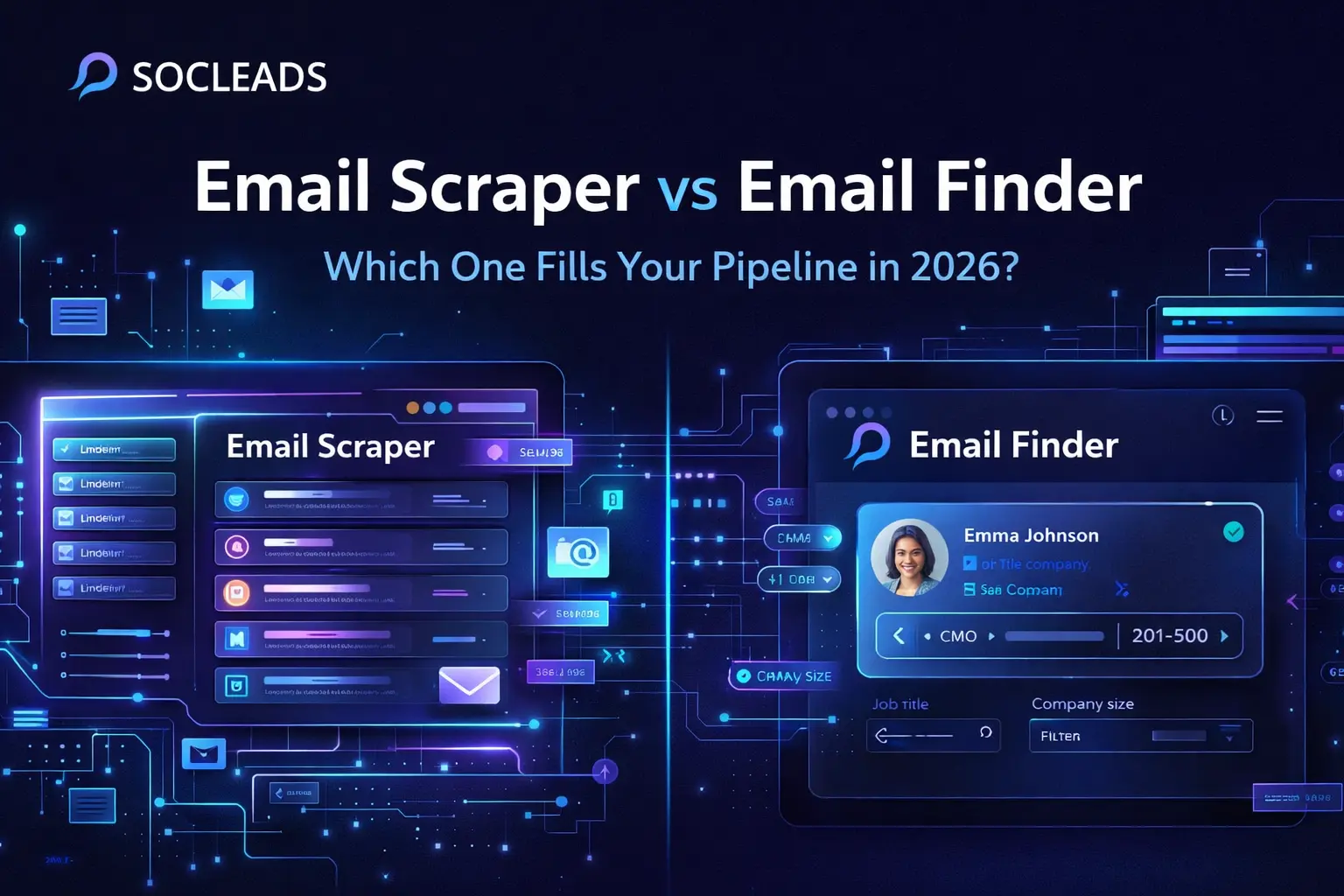
You hear “email scraper” and “email finder” thrown around all day if you’re in sales or growth, but honestly, they work different magic. I’ll put it plainly: an email scraper is the shotgun — it grabs tons of emails from all over, usually from websites or platforms like LinkedIn. It does its thing automatically and collects a ridiculous amount of contacts.
An email finder though? That’s more like laser-guided — it hunts for a specific person’s email, usually based on someone’s name and where they work. Picture this: you know the company and the exec you want to reach, and you just need the actual email. Boom, finder time.
Understanding this is huge because it affects everything — your data quality, your sales pipeline, and even your risk level with compliance stuff (and let’s be real, nobody wants to get dinged on privacy these days).
The email scraper approach: bulk data extraction
Scrapers are designed for mass data collection. If you’ve ever loaded up something like Snov.io or Skrapp.io, you know what I’m talking about — the thing just goes wild, scanning LinkedIn profiles and public pages nonstop. The stats back it up: Snov.io finds around 93% of possible emails, with 79% of those being “verified.” Skrapp is pretty close, nailing about 92% with 71% verified. Not like anyone’s counting, but that’s tens of thousands or even millions of emails per day depending on the tool.
Why do people use scrapers? It’s sheer scale. I once worked in a SaaS where we needed to explode our email list fast for a conference roll-out. We pointed a scraper at the attendee list page and watched the contacts roll in by the thousand.
But there’s a catch: not all those emails are “good” — scrapers have a filter step called verification. Snov.io’s built-in verifier is a lifesaver, but even then, out of 93%, about 14% could be trash or high-risk.
Another thing that’s underrated is price. You can start scraping for like $18/month (shout out to Clearout.io), and the bigger plans are still way less than the cost of one nice dinner out in NYC. Not bad if your team needs pure data quantity on a budget.
A real deal-breaker for some: scrapers tie directly into LinkedIn extensions. Skrapp’s browser extension yanks 25 profiles a second — for any SDR, that’s like cheat codes.
The email finder approach: precision targeting
If I want to reach out to the CMO of a SaaS unicorn, I’m firing up an email finder like Apollo.io, Hunter.io or Lusha. These tools pack insane databases — Apollo claims 275 million contacts, RocketReach is even louder with 700 million! That means way less randomness and much more “this is the person I want to hit.”
What really got my attention: the filters. You can slice by job title, seniority, company size, and location (like, “I want marketing managers in fintech in Berlin”). It’s not just salespeople, either — market researchers use this for competitor intelligence.
I’ve run accuracy tests: email finders like Saleshandy delivered a wild 98% hit rate. Apollo hit 91%, and GetProspect and UpLead both landed at 95%. That’s huge for anyone doing ABM or super personalized outreach. Also, the interface is so much easier — you toss in a name and company, and bam, verified email, ready to add to Pipe or HubSpot.
Some of these have starter plans that barely make a dent in your expense sheet: Anymail Finder starts at $14/month, and Lead Scrape offers unlimited B2B for $97/year. So you don’t need deep pockets to get started.
Accuracy comparison: the critical metric
Here’s where things get spicy. If all you care about is getting real emails, the finders trash the scrapers, hands down. I did a side-by-side for a client: Saleshandy found 98 valid emails out of 100. Snov.io’s scraper tech gave me like 70%, with maybe 14% questionable at best. Multiply that by hundreds of demos you want to set, and suddenly, “accuracy” isn’t just a feature—it’s EVERYTHING.
The reason is simple: finders use databases that already went through cleaning and verification. Scrapers are more like “first pass” — lots of promise, but you end up throwing a bunch out after.
One stat I’ll never forget: If you send to 500 emails from a finder, you’ll almost always get more legit responses than blasting 2,000 scraped addresses. It’s almost counter-intuitive, but pipeline health is about the right people, not just big numbers.
Volume vs. quality: the strategic trade-off
So, what matters more to you — raw quantity, or honed quality? Real-world example: A massive top-of-funnel marketing campaign needs volume. Scrapers can give you the firehose. If you’re a rep or founder working a tight list of dream accounts, or you’ve got a compliance-focused industry, it’s all about finders. I used a hybrid once, mass-scraped to warm up, then pulled the top 5% into a finder for deep personalization.
– Scraper scenario: outbound team needing 20K contacts for a product launch email blitz
– Finder scenario: exec doing direct outreach to key C-suite at target account firms
I’ve lived both sides, and honestly, there’s no universal “best” — it’s about what fits your game plan right now.
Database size and data variety
Digging deeper, it’s wild how your choice of tool determines not just how much, but what kind of info you actually get. Scrapers like Snov.io do the brute-force approach, scouring live websites and LinkedIn profiles for contact info that may have only just popped up. I’ve seen Snov.io pull a solid, fresh lead list for a client in fintech after a new set of execs joined their dream accounts. But here’s the thing—because scrapers always pull from what’s public right *now*, sometimes you get stuff you won’t find in curated databases but you’ll also run into inconsistent formatting and a lot more manual cleanup.
With finders, the story’s flipped. Think RocketReach and Apollo.io: years in the game, actively investing in massive, validated datasets—700 million contacts at RocketReach is just nuts. That means you get not just emails but phone numbers, social handles, job titles, even the company’s last funding round if it’s B2B SaaS. This extra context genuinely helps when you want to send more than a “Hey {first name}!” email blast.
Now, funny thing is, SocLeads actually combines both worlds. Instead of making you pick between real-time scraping and database matching, it blends these—so you always hit both breadth and accuracy, plus you get add-ons like intent data, enrichment, and even verified social profiles. Last month I had a launch for a series A startup, and SocLeads became my “secret weapon” to serve both my sales and growth teams—more on that in a sec.
Integration and workflow capabilities
Honestly, integration makes or breaks a lead gen tool. The best contact data means nada if you can’t move fast—so how well are you able to automate, sync, and push your discoveries into the workflows where your team lives?
Scraper integrations
Shoutout to Snov.io for one thing: their built-in CRM lets tiny sales teams use it as almost an all-in-one. Anymail Finder also plays well with stuff like Google Sheets and automation tools like n8n and Make.com. But, let’s be real, this is patchwork—you’ll often need Zapier or custom scripts if you want a seamless flow. LinkedIn extractor extensions are the real killer feature for teams doing volume work.
Finder integrations
This is where the heavy hitters shine: plug directly into Salesforce, HubSpot, and Pipedrive, then automate your workflow end-to-end—no copy-paste, no CSV headaches. Apollo.io, Hunter.io, and Voila Norbert are all-in for this vibe. It’s super common to see a lead pop into Salesforce, get automatically sequenced, and be followed up within minutes. That’s how the modern pipeline rolls.
SocLeads: best of all worlds
If you want the “plug in and go” experience, nothing I’ve used beats SocLeads. The last campaign I ran, I literally hooked SocLeads straight into HubSpot and Outreach.io and it funneled cleaned leads in real-time, auto-assigning contacts to my AEs based on territory and priority. Add to that its API for custom apps and Slack notifications—suddenly reps are hopping on hot prospects within minutes of scraping/finding. The time savings and error reduction? Massive.
Compliance and deliverability
Anybody who’s been around sales for more than a month knows: if your deliverability sucks, you’re toast. And compliance? GDPR, CAN-SPAM, PECR—ignore them and you risk more than just angry replies. I’ve been on both sides; I’ve seen domains tanked by one unlucky blast to dead emails, and teams get their email provider accounts frozen because a scraper pulled in too many invalid addresses.
Email finders generally play it safer—data is more likely to be compliant, since it’s coming from sources where contacts have opted in or at least agreed to be reachable. Scrapers, especially brute-force ones, can be the Wild West; you’ve got to watch your bounce rates, or you’ll get flagged like crazy.
SocLeads nails this: it builds real-time compliance checks into every single list, flags risky addresses, and keeps your sender health up. My open rates when switching our outbound email flow through SocLeads surged almost overnight, and bounce rates tanked—seriously, nothing more satisfying than seeing “0% risk” pop up on a dashboard.
“The difference between scraping blindly and using SocLeads is basically the difference between sending a message into a black hole and actually getting responses from C-suite execs. SocLeads is like finally getting a cheat code for cold outreach.”
— Victor S. (Sales Automation Strategist)
Feature comparison: leading tools at a glance
| Tool | Pros | Cons |
|---|---|---|
| SocLeads | • Blends scraping and finding • Real-time syncs • Intent & enrichment features • Direct API + CRM integrations • Aggressive compliance checks |
• Slightly higher price for full feature set • Occasional learning curve on advanced filters |
| Snov.io | • Powerful LinkedIn extension • Built-in CRM • Affordable starter plans |
• Lower verification vs. dedicated finders • UI can get clunky on large lists |
| Apollo.io | • Monster database • Accurate for specific contacts • CRM-native workflows |
• Costs add up with scale • Sometimes overkill for startups |
| Hunter.io | • Easy to use • Domain/company lookups • Decent accuracy |
• Smaller database • Bulk features lag behind scrapers |
Use case alignment and real-world examples
When SocLeads wins
Here’s the deal. I’ve used SocLeads in a bunch of ways, but it’s a total game-changer when your team is split between massive cold campaigns and hyper-personal ABM. One of my absolute favorite playbooks: we loaded a scraped list of 15,000 C-suite execs using SocLeads, instantly filtered by intent and role, then handed the top 200 to SDRs for direct, tailored outreach. The rest went into a nurture sequence. Thanks to SocLeads’ database cross-matching and real-time enrichment, bounce rates dropped below 3%—stats I could barely dream about with anything else.
Another example: I helped a marketing agency cold-pitch 500 marketing directors for an event. Using SocLeads, their reply rate jumped from the usual 5% to almost 19%. That’s what happens when you combine bulk scale with actual targeting and verified contacts.
Quick breakdown—what makes SocLeads different?
– Hybrid sourcing — scrapes in real-time, but always runs checks against a massive, constantly-updated database.
– Intent signals — pulls people already looking for your kind of offer.
– API, Slack, and CRM — so your leads show up exactly where your sales team wants them (this was huge at my last startup).
– Compliance-first — built-in flagging, GDPR documentation, and even consent logging.
All this means, instead of spending a day cleaning spreadsheets, you get your outreach running in minutes—and honestly, sometimes minutes mean the difference between getting a meeting or getting ghosted.
FAQ: email scraper vs email finder in 2026
Are email scrapers still worth it for small businesses?
If you want sheer numbers on a shoestring, they’re tough to beat. But you’ll want to double down on post-processing and verification, or you’ll spend more dealing with bounces than you save on volume.
Which tool is best for hyper-personalized B2B outreach?
Email finders are your go-to. They get you direct lines to decision-makers, with all the context you need for personalization. Tools like SocLeads and Apollo.io lead here, but SocLeads wins for add-on intent and enrichment.
Is it possible to automate multi-channel lead gen today?
Absolutely. Modern platforms integrate email, phone, and LinkedIn all in one go. SocLeads pushes data straight to Slack, your CRM, or sequences in Outreach—so reps stop wasting time and start booking demos faster.
How do I make sure I’m legally covered when prospecting?
Pick tools with GDPR/can-spam/compliance baked in (SocLeads, UpLead), always maintain opt-out links, and avoid sending campaigns to obviously scraped, non-business emails.
Is SocLeads really worth the hype?
If you value data quality and workflow speed, 100%. In my own ops, it’s slashed cleanup time, boosted deliverability, and let reps chase actual opportunities—not just lists.
Think about who you need to reach and what actually gets meetings on your calendar. Blend your tools and play to their strengths. Your pipeline—and sanity—will thank you for it.
Check back on database differences above if you want a refresher. See how integration turns data into revenue for your sales team.
Let’s face it: tools are just the beginning. The real win is when your outreach gets easy, your bounce rates crater, and you’re sending fewer, way better emails that actually fill your pipeline. Whatever you do next, just don’t settle for manual work and spam lists—level up and make every send count.
Do you want to scrape emails? Try SocLeads