Best Tools for Hiring Developers Without a Recruiter in 2026
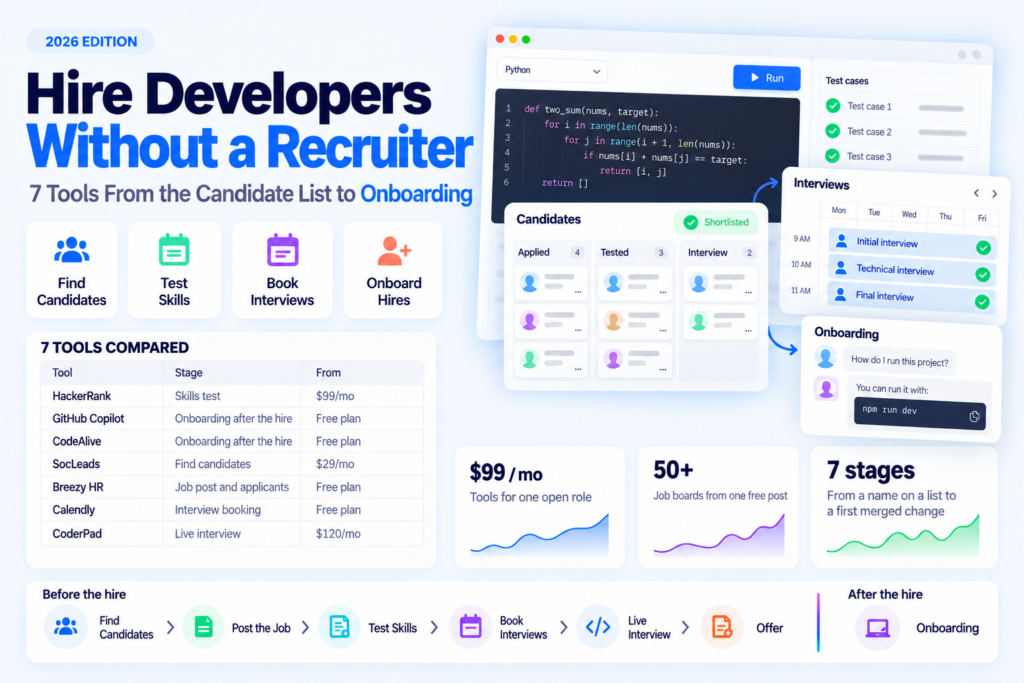
- HackerRank Starter, billed monthly, includes 5 candidate attempts a month at a take-home coding test.
- GitHub Copilot answers a new hire's questions about your repositories in the editor and on GitHub, free or $10 a month on Pro.
- CodeAlive works with GitHub, GitLab, Bitbucket, Azure DevOps and Gitea, links answers to the code and gives AI agents that context over MCP, free for one user or from $15 a month.
- SocLeads collects emails from LinkedIn by keyword and validates them on its paid plans.
- Breezy HR posts one open role to 50+ job boards for free.
HackerRank puts a coding test before the first call. GitHub Copilot and CodeAlive come in after the hire. Copilot answers inside the editor and on GitHub, and CodeAlive answers with links to the files and gives AI agents the same context. SocLeads finds developers on LinkedIn who never applied. Breezy HR, Calendly and CoderPad handle the job post, interview booking and the live interview.
How were these hiring tools chosen?
A tool made the list if it does a job a recruiter would normally handle or helps the new developer learn your code after the hire. Prices are the list prices each vendor publishes on its own site.
Tools sold only on annual enterprise contracts were left out, and so were recruiting platforms built around a candidate database.
How do developer hiring tools compare on price and free plans?
Four of the seven tools have a free plan: GitHub Copilot, CodeAlive, Breezy HR and Calendly. SocLeads, CoderPad and HackerRank offer free trials without a credit card.
Scroll horizontally to compare all columns →
| Tool | Hiring step | What it does when you hire alone | Paid plans from (monthly billing) | Free plan or trial | Not the right fit if |
|---|---|---|---|---|---|
| HackerRank | Skills test | Take-home coding tests with plagiarism detection, plus pair-programming interviews | $99/mo (Starter, 5 attempts/mo), $79/mo billed annually | Free trial, no card | You have 1 or 2 candidates a month and want to talk first |
| GitHub Copilot | Onboarding after the hire | Answers a new hire's questions about your repositories in the editor and on GitHub | $10/mo (Pro), $19/seat/mo (Business) | Free plan | Your code lives outside GitHub and you want chat on github.com |
| CodeAlive | Onboarding after the hire | Answers questions about your codebase with links to the code, also to AI agents via MCP | $15/mo (Hobby) | Free plan (1 user, 25 MB, 100 chat requests/mo) | Your vendors must have SOC 2 |
| SocLeads | Find candidates | Pulls emails, account or post names and links from LinkedIn by keyword; validation on paid plans | $29/mo (Basic, 2,000 contacts) | Free trial, 100 contacts/mo | You source on GitHub or wait for applicants |
| Breezy HR | Job post and applicants | ATS that posts one open role to 50+ job boards | $189/mo (Startup), $157/mo billed annually | Free plan (1 open position); 14-day trial | You hire for 2+ roles at once on the free plan |
| Calendly | Interview booking | Candidates book their own slot from your calendar | $12/seat/mo (Standard), $10 billed annually | Free plan (1 event type) | Your ATS already books interviews |
| CoderPad | Live interview | Live coding interview in a shared browser editor | $120/mo (Starter, 5 interviews/mo), $80/mo billed annually | Free trial, no card | You need take-home screening on Starter |
US list prices without tax, taken from each vendor's pricing page.
What are the steps of hiring a developer on your own?
Seven stages take a developer from a name on a list to a first merged change. You find candidates, post the job, test skills and book interviews. Then come the live interview, the offer and the first week in the code.
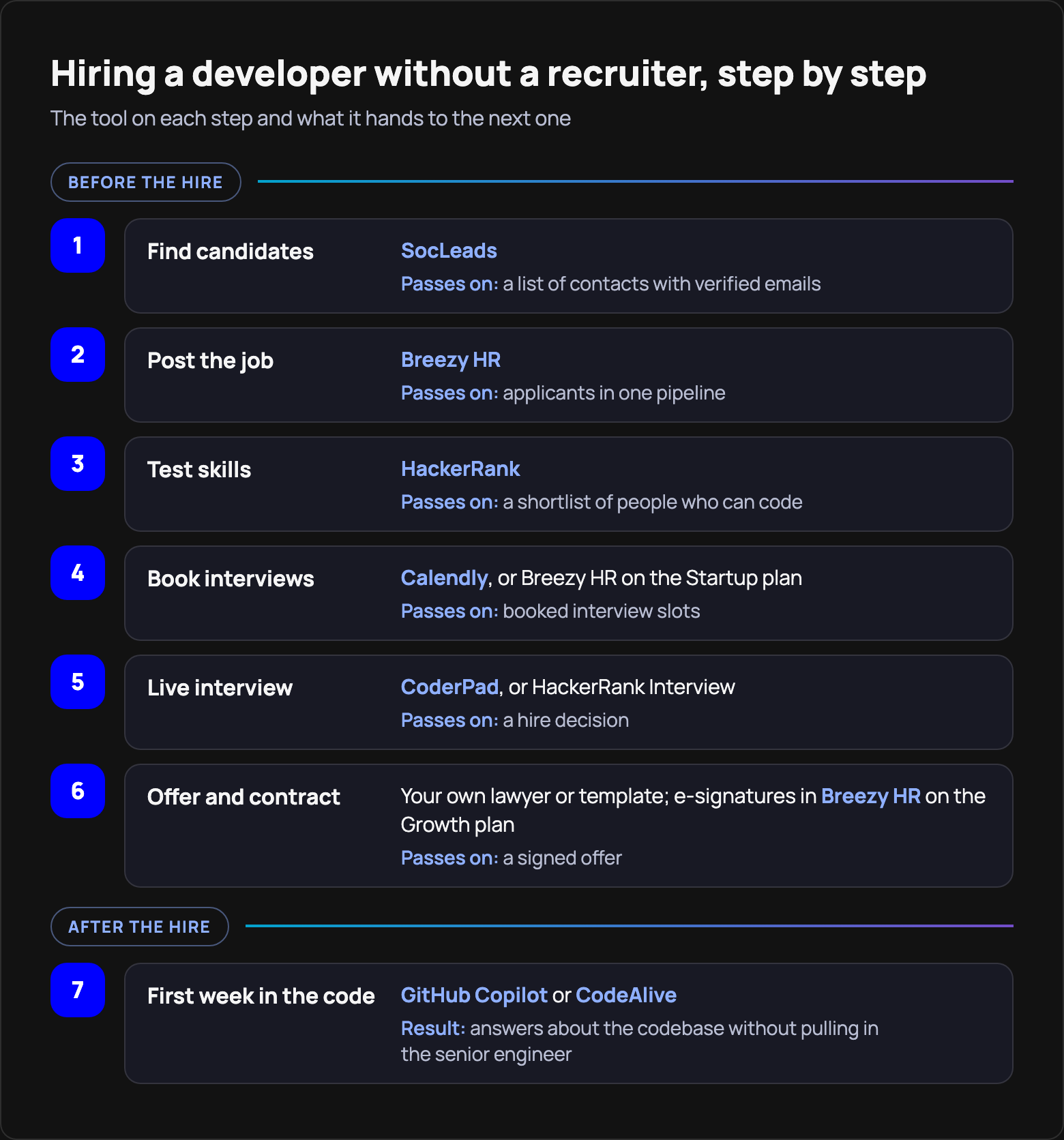
Screening calls and onboarding take the most time. The calls come out of your own evenings, and once the developer starts, your senior engineer spends hours explaining the codebase. The coding tests and code-chat tools in this list are aimed at exactly those two stages.
One tool per stage is usually enough. The offer is the one stage without its own tool in this list: the contract stays with your own lawyer or template, though Breezy HR adds e-signatures on its Growth plan.
Which tools can a founder use to hire a developer?
This list has seven tools, and a single hire rarely needs all of them, because several do overlapping jobs. HackerRank and CoderPad both run coding interviews, Breezy HR Startup books interview slots as Calendly does, and GitHub Copilot and CodeAlive both help a new hire find their way around your code.
1. HackerRank: take-home coding tests before you spend time on calls
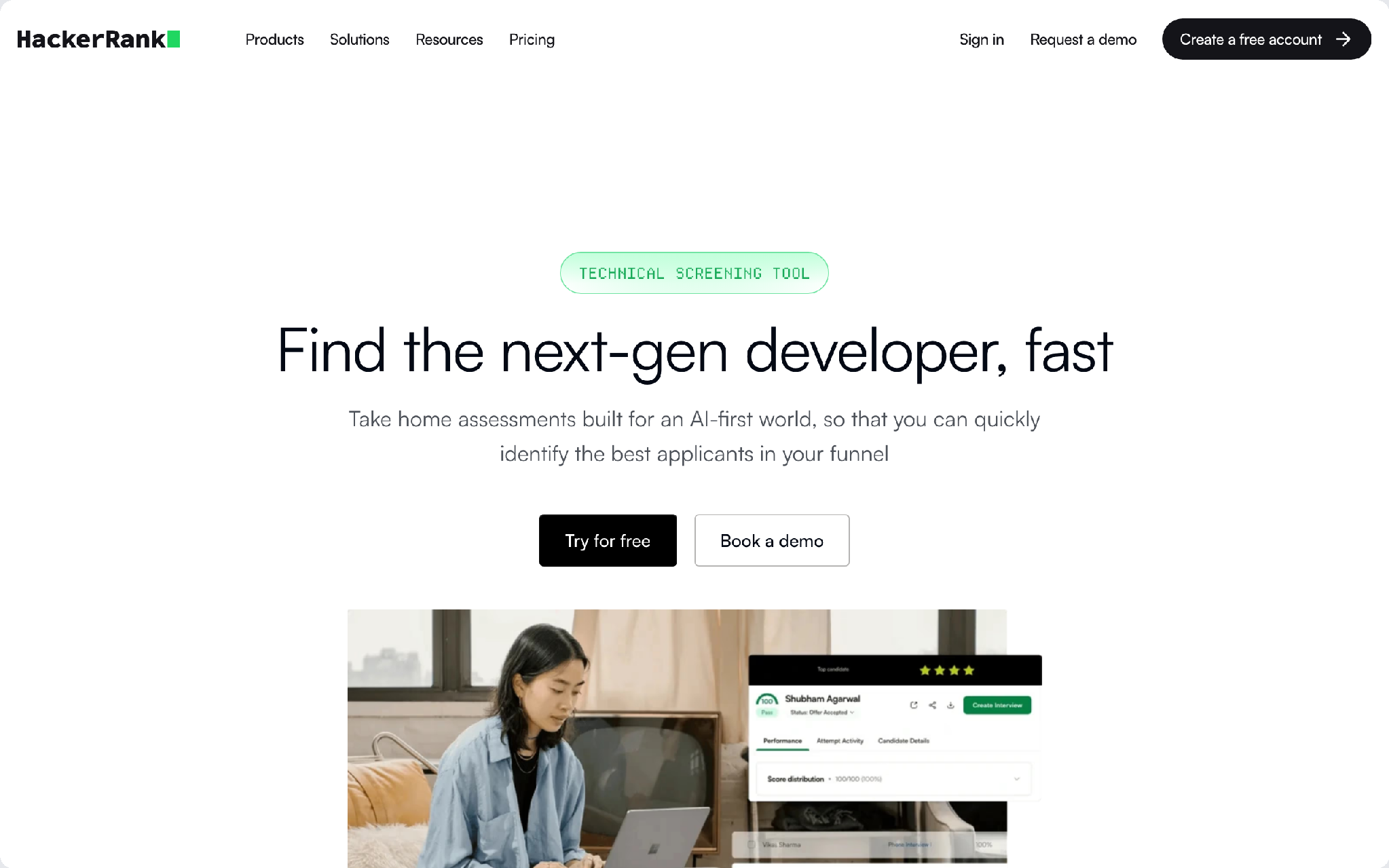
HackerRank's Starter plan is pitched at teams making their first technical hires, and it puts a take-home coding test in front of candidates before you get on a call.
Why it stands out
- Starter comes with a library of 2,000+ questions across 55+ languages, so you don't have to write the test yourself.
- Every plan includes take-home tests (Screen), pair-programming interviews (Interview) and AI-powered plagiarism detection, and Starter comes with unlimited users.
Starter is $99 a month on monthly billing, or $79 a month billed annually ($948 a year for 60 attempts). The monthly plan gives you 5 candidate attempts a month, and each extra attempt is $20. ATS and calendar integrations start only on Pro, at $529 a month.
If you'd rather meet one or two candidates a month before any test, CoderPad fits better.
2. GitHub Copilot, after the hire: help with the repo inside the editor
GitHub Copilot answers a new developer's questions about the repository in the same editor they already write code in. GitHub even has a tutorial for this, Explore a codebase, written for someone assigned to a project they don't know.
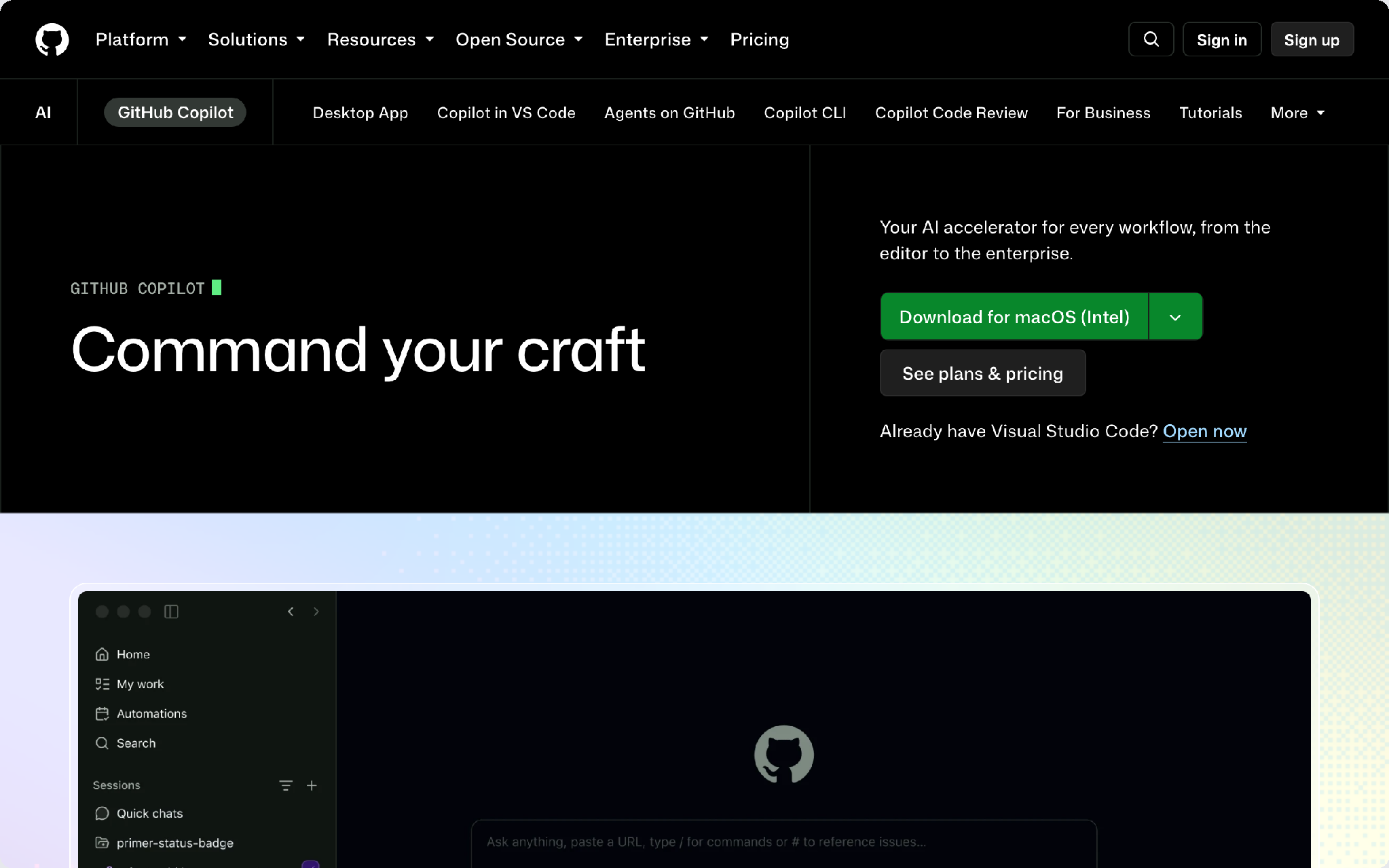
One of its sample prompts is "How do I build this project?" Another asks Copilot to "Describe the data flow in this application." A new hire can ask both on day one without pulling a teammate into a call.
Pricing: there's a Free plan. Pro is $10 a month, Business $19 per granted seat a month and Enterprise $39 per granted seat.
Where it falls short: asking about a repository straight from its page, without attaching it to the chat first, is still in public preview and subject to change. On github.com, Copilot Chat takes its context from repositories you attach or open on GitHub.
For a team that keeps its code on GitHub, Copilot Free or Pro may be enough for a new hire's questions.
3. CodeAlive, after the hire: answers about your codebase with links to the code
A new developer's questions usually land on your senior engineer. CodeAlive takes those questions instead, and its answers come with links to the files. AI agents get the same context over MCP. CodeAlive doesn't have SOC 2 yet, and SSO needs a custom Enterprise deployment.
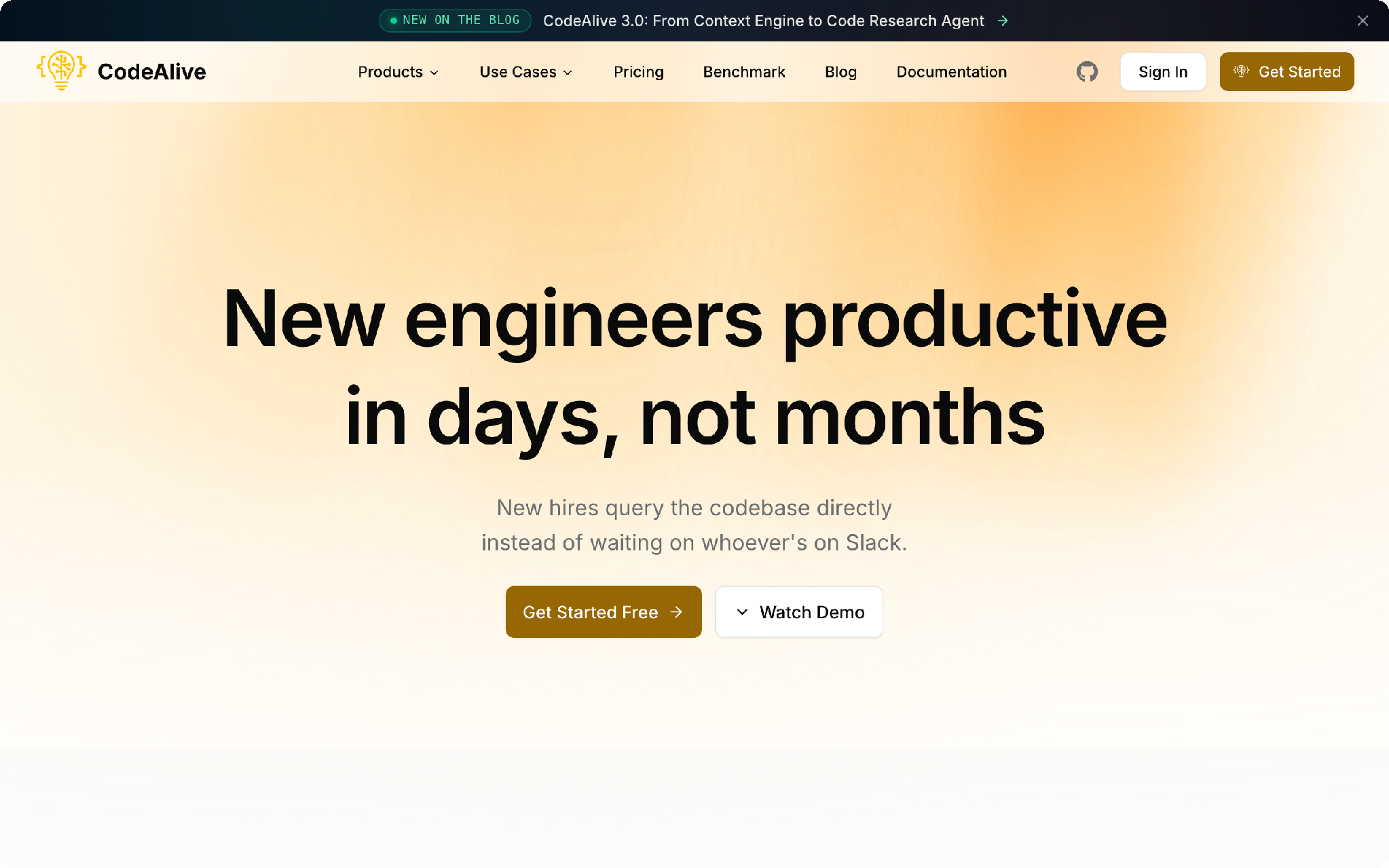
What a new hire can ask: "What are the main services and how do they connect?"
Pricing: the Free plan covers 1 user, 25 MB and 100 chat requests a month. Hobby, at $15 a month for 1 developer, raises the code size limit. Pro is $50 a month for 1 to 3 developers and adds AI code review. On paid plans, the plan price works as a usage balance: each chat request takes $0.15 from it, and you top up or upgrade when it runs low.
If your code sits on GitLab, Bitbucket, Azure DevOps or Gitea, or your team works in Cursor or Claude Code, CodeAlive fits.
4. SocLeads: your own candidate list with verified emails
SocLeads' LinkedIn email tool builds a list of developers who never applied. You search by a framework or a job title, and each match comes with an email address, the name of the LinkedIn account or post, and a link.
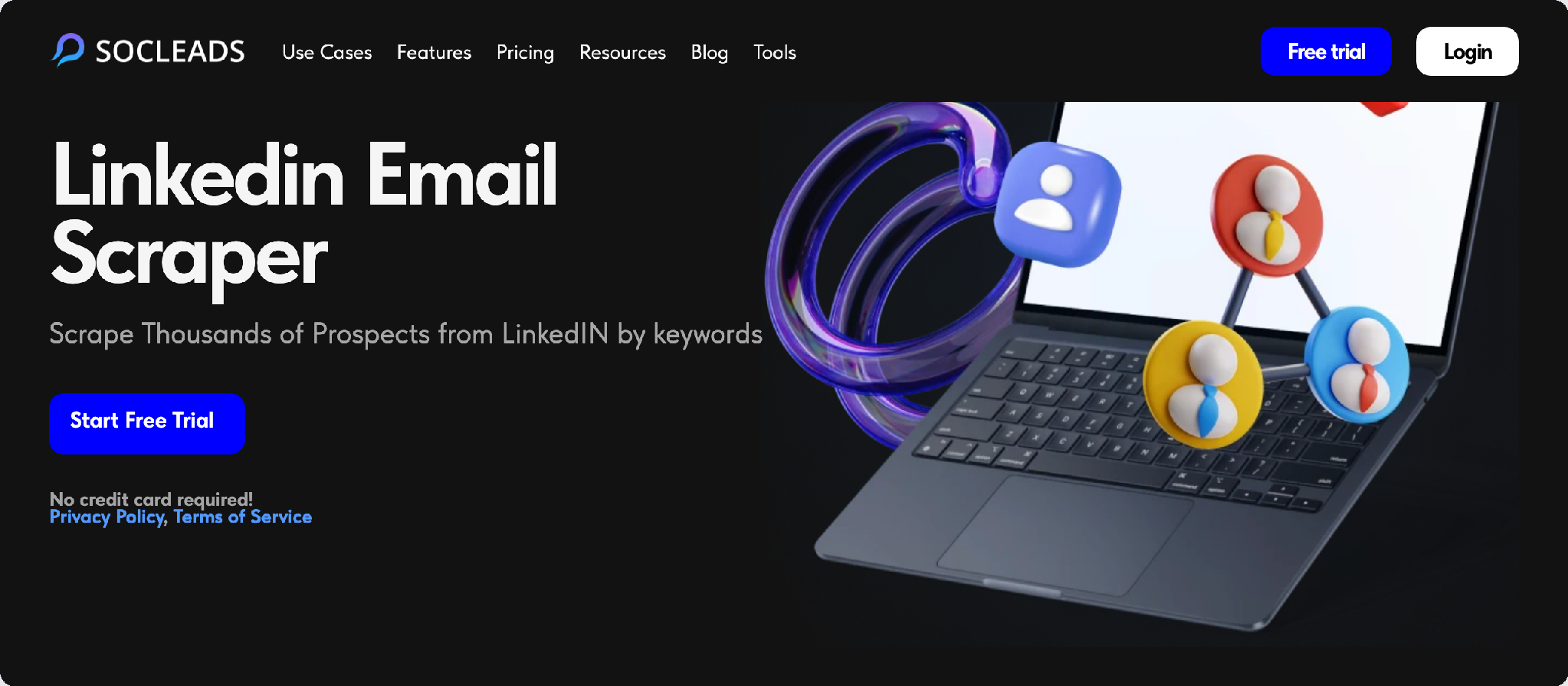
Keyword search is the only method SocLeads offers for LinkedIn. It runs without code or a browser plugin. Every plan also covers X, YouTube, Google Maps, Instagram, Facebook and TikTok.
Pricing: the Free Trial gives you 100 contacts a month, but it doesn't validate emails. Basic, at $29 a month, raises the limit to 2,000 contacts and validates the emails. Pro is $59 a month for 10,000 contacts, or $47 a month billed annually.
Not the right fit if you source on GitHub, which isn't among its platforms, or you only take inbound applications. If LinkedIn is where your candidates are, this walkthrough on LinkedIn sourcing for recruiters covers the search side.
5. Breezy HR: a free applicant tracker for one open role
Breezy HR's free Bootstrap plan gives one open role a branded career site, unlimited users and posting to 50+ job boards. Applicants from those boards and your career page land in one pipeline instead of your inbox.
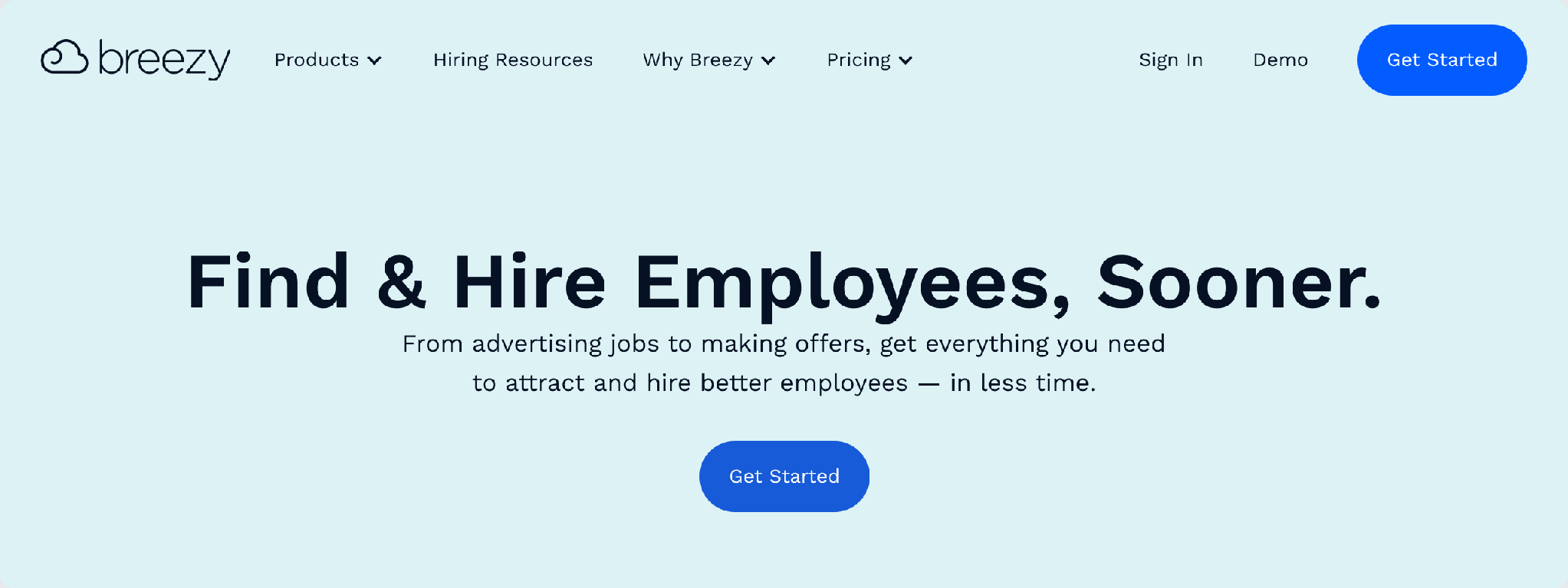
Startup is $189 a month on monthly billing, or $157 billed annually. It adds interview self-scheduling, email and calendar integration, and video interviews on Zoom, Google Meet or MS Teams. The 14-day trial includes every feature.
The free plan holds one active position at a time, so a second developer role means paying. Breezy HR also fills the pipeline only with people who apply and doesn't search for anyone else. E-signatures start on Growth, at $329 a month.
6. Calendly: candidates book their own interview slot
Calendly ends the back-and-forth over interview times: the candidate opens your link and picks a free slot from your calendar.
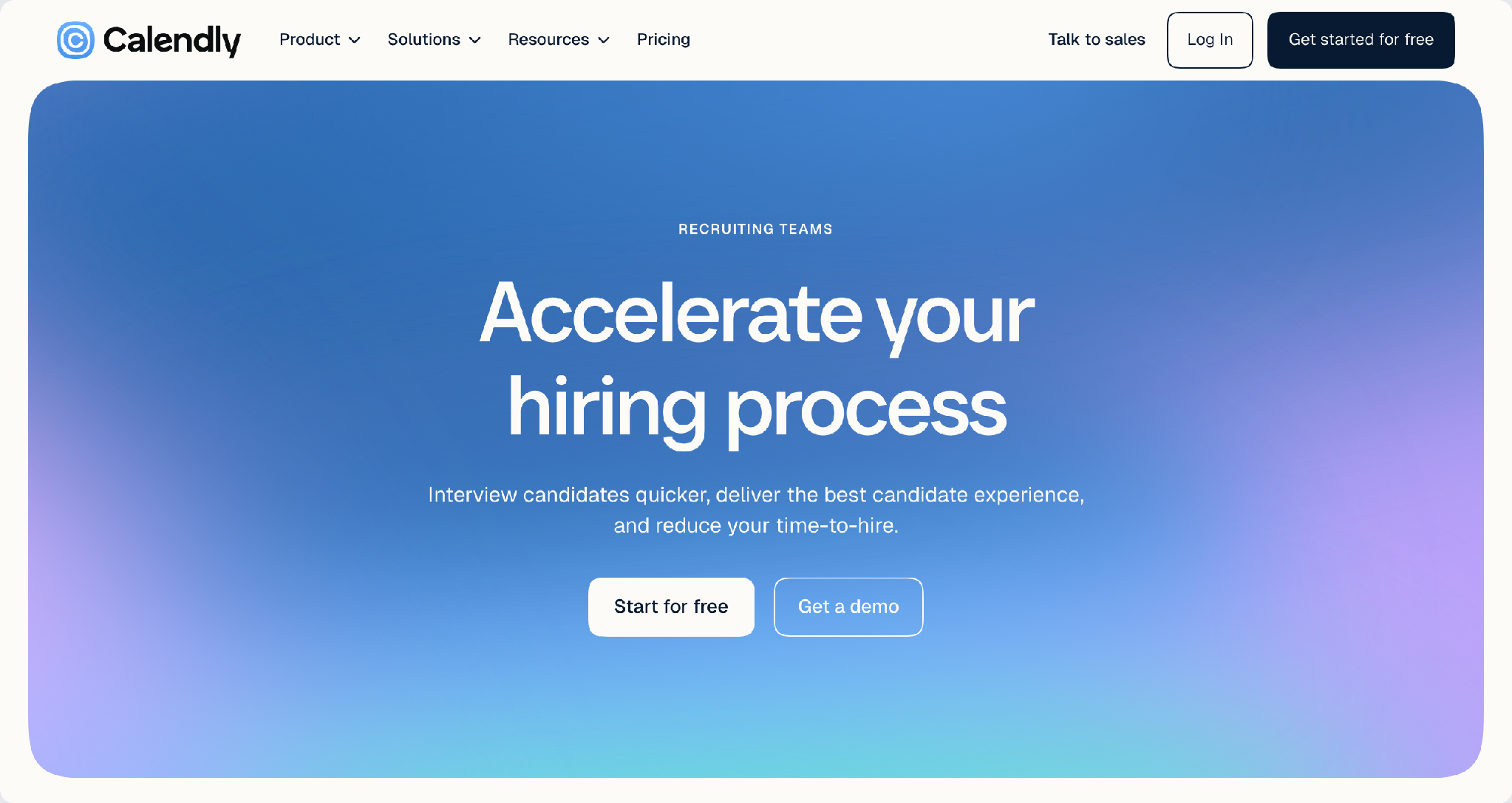
Best for: founders who don't have an ATS that books interviews for them.
The free plan has one event type and one calendar connection, so a short screening call and a longer technical interview can't both live on it. Standard is $12 per seat a month on monthly billing, and candidates don't need a seat. Teams, at $20 per seat a month, adds round-robin scheduling for an interview panel.
In practice, Breezy HR's free plan has no self-scheduling, so Calendly Free fills that gap on a first hire. Once Breezy HR Startup handles self-scheduling, Calendly becomes a second tool doing the same job.
7. CoderPad: a live coding interview in the browser
Some tech leads would rather watch a candidate think than grade a finished test. CoderPad gives them a shared browser editor where the candidate writes and runs code during the call.
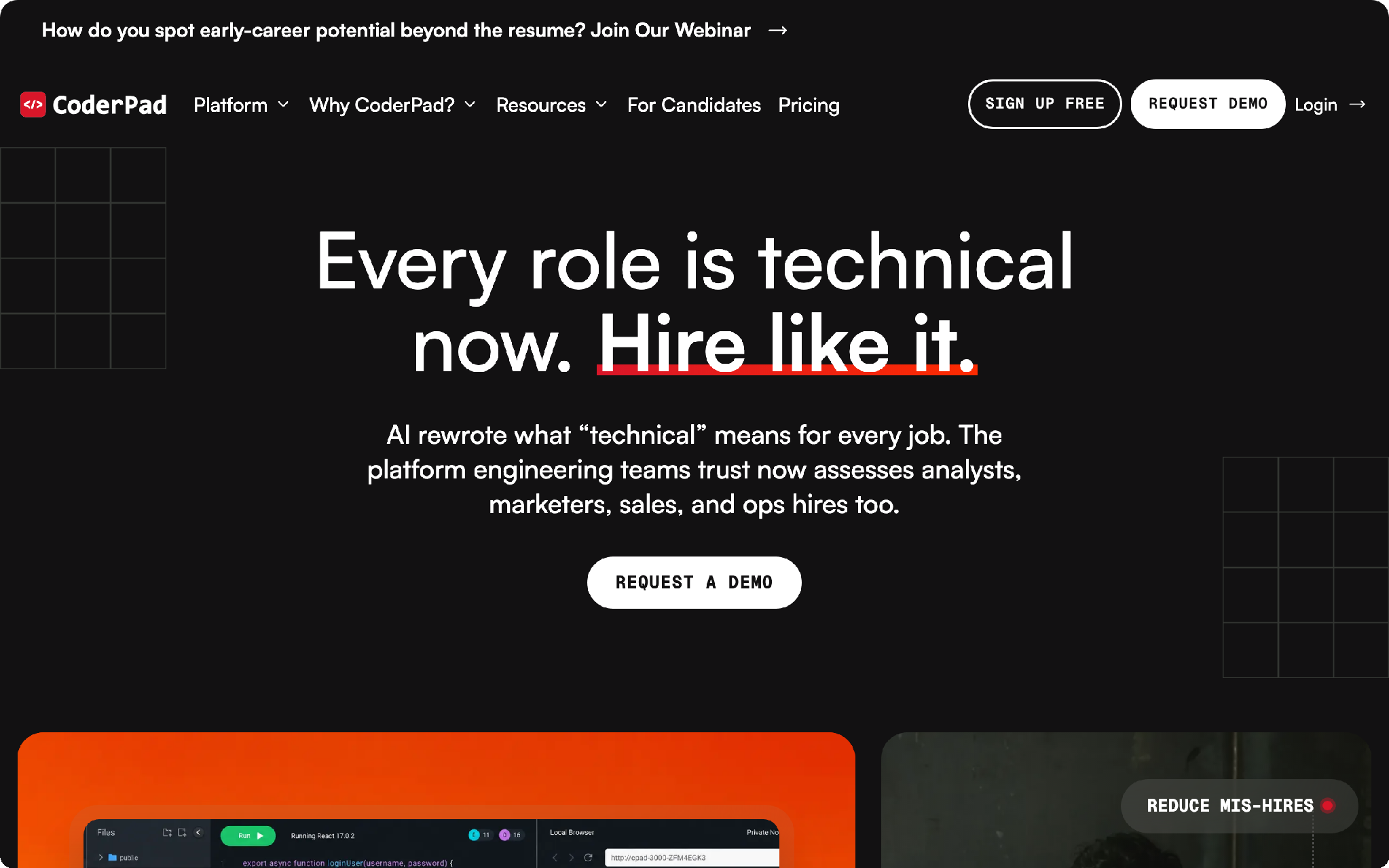
Consider CoderPad if you go straight to a live interview with a handful of candidates.
Starter is $120 a month for 5 interviews, or $80 a month billed annually with 60 interviews a year, paid upfront. Every plan has unlimited users and AI Assist, an extra interview costs $30, and there's a free trial.
The Starter plan is for live interviews. Take-home tests and auto-scored screens start on Team, at $500 a month or $400 billed annually, so Starter isn't built for screening a long applicant list.
How much does one developer hire cost in tools?
Expect about $99 a month in tools for one open role: HackerRank Starter for the coding test, with Breezy HR Bootstrap and Calendly Free at $0. If you look for candidates yourself, add $29 for SocLeads Basic, which validates the emails it finds.
Swap HackerRank for CoderPad Starter and the base becomes $120. The onboarding tool adds nothing to the bill as long as Copilot Free or CodeAlive Free covers your team, and Copilot Pro or CodeAlive Hobby is the next step up.
The assumptions behind those numbers, so you can swap in your own:
- Monthly billing for every tool; annual billing lowers the total where the vendor offers it.
- One open role at a time.
- Coding tests within HackerRank Starter's monthly attempt quota.
- List prices without tax.
A second role open at the same time grows the bill first, because Breezy HR's free plan holds one position and Startup is $189 a month. Copilot seats for the whole team add $19 per seat a month on Business.
Do you need both HackerRank and CoderPad?
One of the two is usually enough: HackerRank Starter already includes take-home tests and pair-programming interviews, while CoderPad Starter covers live interviews only and adds take-homes on Team.
Pick by the number of people in your funnel:
- More applicants than you want to call: HackerRank. Everyone takes the test first, and you call only those who pass.
- A few candidates you want to meet right away: CoderPad puts you both in a shared editor during the call.
So which tools should you actually start with?
A founder hiring a first developer can run the hire on the free plans of Breezy HR and Calendly and pay only for the HackerRank test. Copilot or CodeAlive comes in once the new hire starts. Other setups:
- You'd rather talk than test: CoderPad Starter with Calendly.
- You reach out to developers on LinkedIn: SocLeads, then email verification before sending and cold email software for the first message.
- Code on GitHub, questions asked in the editor or on github.com: Copilot.
- Code outside GitHub, or AI agents that should see your codebase through MCP: CodeAlive.
FAQ
Do I need an ATS to hire one developer?
For a single role, a spreadsheet plus Calendly can carry the whole process. Breezy HR's Bootstrap plan is free for one active position if you want a career page and job board posting.
How do I find developer candidates and their emails on my own?
Search LinkedIn by keyword, such as a framework or job title, then verify the addresses before you write. SocLeads runs that search and validates emails on paid plans, though it doesn't cover GitHub profiles. This walkthrough on emails from LinkedIn profiles shows the LinkedIn side, and keeping your LinkedIn account safe matters once you collect contacts regularly.
How do I stop candidates from using AI on a take-home coding test?
HackerRank lists AI-powered plagiarism detection on every plan, Starter included. A live CoderPad interview is the other route, since you watch the code being written during the call.
How can a new developer understand a large codebase quickly?
Have them look at the repository as a whole before any single file. GitHub's Explore a codebase tutorial suggests Copilot prompts for the project's purpose, its structure and how to run it, and CodeAlive takes the same kind of question on its free plan.
Can I hire a developer with free tools only?
Almost every stage has a free option: Breezy HR Bootstrap, Calendly Free, the SocLeads Free Trial (without email validation) and Copilot Free or CodeAlive Free. The coding test is the paid step, though HackerRank and CoderPad both offer free trials.
Turn this research into a lead list
Collect verified emails from Google Maps, Instagram, Facebook and LinkedIn — free to start.
Start free with SocLeads →